 Procell Repair
Customer statement & recording a payment
A running account of everything a customer owes and has paid — perfect for wholesale buyers and partner shops who settle over time.
Open the customer
Go to Customers and open the customer. Partner shops appear with a Partner badge — filter with Partner shops only.
Read the statement
The Statement panel shows Charged, Paid and Owes at the top, then every movement — repairs, sales and payments — with a running balance.
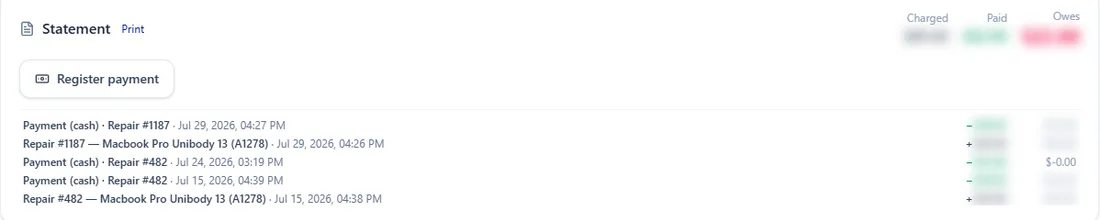
Charged / Paid / Owes, and the movement history. Record a payment
Tap Record payment, enter the amount and method. It's applied to the oldest open repairs first; anything left over becomes store credit.
Print or send it
Tap Print for a clean statement (with your logo) to hand or send to the customer — great for partner shops settling their account.
Procell POS runs your repairs, sales, inventory and customer portal. Free plan, no card — up to 15 transactions a month.