 Procell Repair
Use the live parts catalog
Tens of thousands of parts with photos, live cost and stock — so you always pick the right part at the right price, and add it to your inventory in one tap.
Open the catalog
From Inventory, open MobileSentrix catalog. Any owner or inventory manager can browse it.
Find the model
Pick or search the device to see all its parts as photo tiles — screens, batteries, charge ports and more.
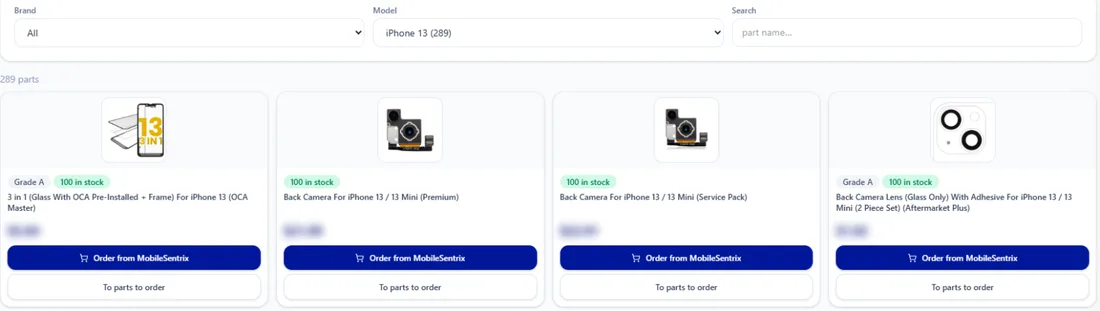
Every part for the device, with a photo. Check cost and stock
Each tile shows the live cost, the stock and the variant (OLED, Incell, OEM Pull), so you pick with confidence.
Add it to inventory (or order)
Add the part to your stock, or use Add item and scan its SKU to auto-fill everything. Ordering from your own distributor account? Connect it under Integrations and order right from the app.
Procell POS runs your repairs, sales, inventory and customer portal. Free plan, no card — up to 15 transactions a month.